2.9.0
Added
See what a Claude or Pi session is doing without reading its scrollback. ⌘J (Ctrl+Shift+J on Windows and Linux) opens an inspector beside the terminal: the agent's plan, with the tool calls each step ran nested under it, and the full timeline below. In a grid, the same key turns every tile into its session's plan and live tool feed, and ⇧⌘J (Ctrl+Alt+Shift+J) gets there from any view. Grid shortcuts keep working, and typing never reaches a hidden terminal. If an agent stops reporting mid-turn, its activity greys out and says how long it has been quiet; shells and other agents that report nothing say so instead. Sessions running Claude now show how far the agent is through its own plan. A small pie under the session's state dot fills as the agent works through its task list, taking its colour from the session state and fading to grey when the agent stops reporting.
Recent Claude models only provide their task-list tools when a session opts in,
so Hive now turns them on for the Claude sessions it starts. They use some of
the model's context; turn them off under Settings → Agents ("Show Claude's plan
progress in the sidebar"). The change applies to newly started sessions, and a
CLAUDE_CODE_ENABLE_TODO_TOOLS you set yourself is always left alone. Hive already received the plan and every tool call
on each hook and threw them away; it now keeps the last 200 tool calls per
session in memory, ready for the activity panel and grid to come.
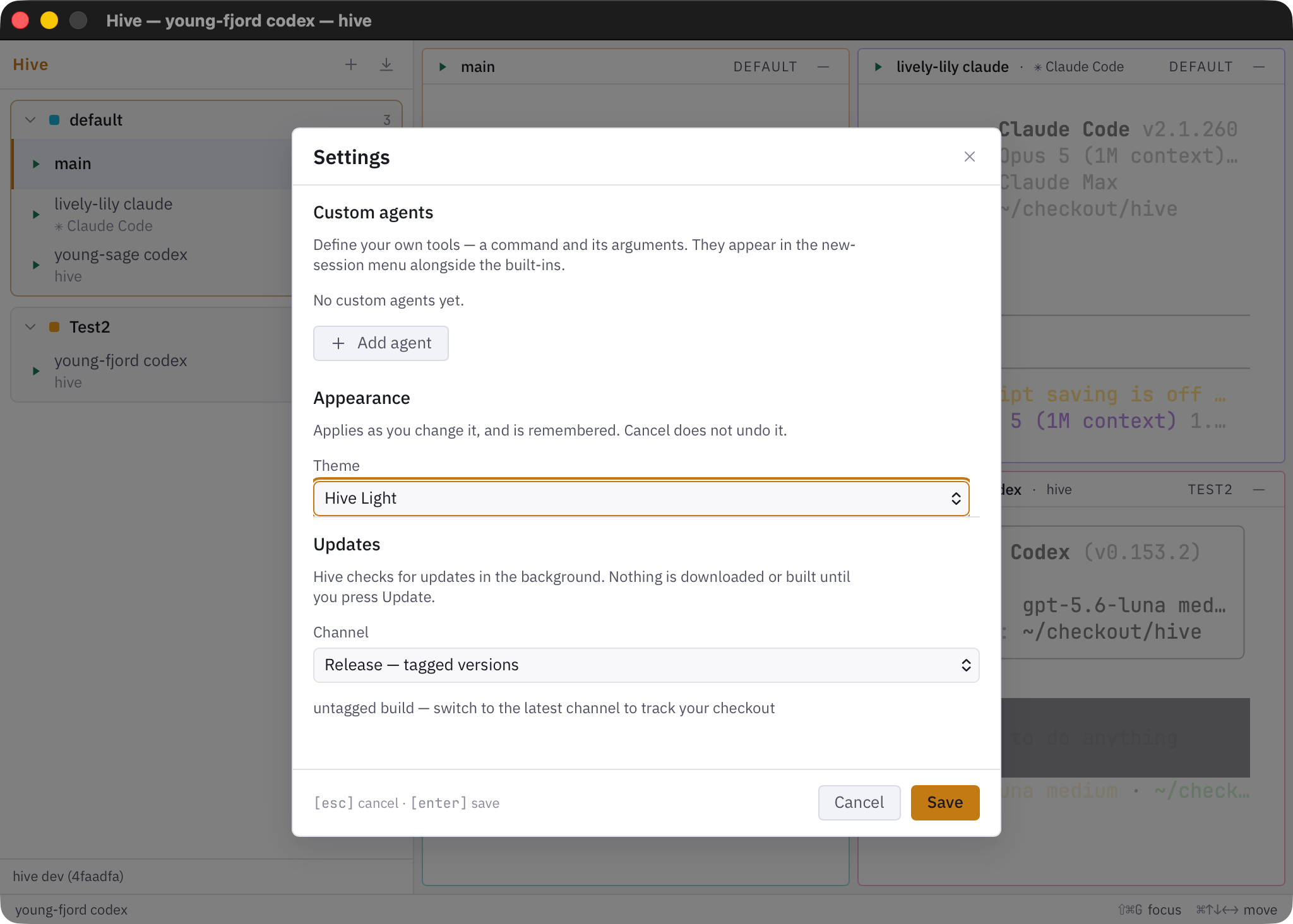
Tool arguments never leave the machine that ran them: the hook derives a short label — a file's basename, a command's first word, a URL's host — and only that is sent, so a command carrying a token or password cannot reach the daemon, another window, or the menu bar. Claude sessions that hand work to subagents now show how many are running, as a small number on the corner of the plan pie in the sidebar. A subagent's tool calls no longer take over the session's "running" tool or count against the parent's plan steps, and a subagent still working after the main agent has finished no longer flips the session back to working. The plan pie is also easier to read on dark themes: it's now outlined in the session's state colour, and it stays tucked under the state icon. Two new theme presets in Settings → Appearance → Theme, under Community: Alucard and Hex. Alucard is a warm-black and antique-gold palette sampled off Ayami Kojima's Symphony of the Night artwork — cream type, gold accent, moonlight-blue for informational state, and red kept for errors alone. Hex is the dark-purple one: ink-violet grounds with an amethyst accent, the saturation held in the chrome so body text stays near-neutral. Neither is a port of another editor's theme, so unlike the twelve palettes beside them both are held to the full WCAG contrast gate rather than opting out of it. Pi sessions now report their tool calls and plan the same way Claude sessions do. The plan pie fills as Pi works through its plan, and hovering the pie names the tool Pi is running.
Pi has no task list of its own, so Hive's Pi extension adds a hive_todo tool
to the Pi sessions Hive starts. It uses some of the model's context; turn it off
under Settings → Agents ("Show Pi's plan progress in the sidebar"). The change
applies to newly started sessions. A resumed Pi session shows its plan straight
away, and a new conversation no longer shows the previous one's.
As with Claude, a tool's arguments never leave the machine: the extension sends only the tool name and a short label, such as a file name, a command name or a host.
Changed
hivegui.log now records why the window started and why it closed: each launch
logs its parent process and whether it was opened from inside a Hive session, and
each quit says whether it came from Quit, the close button, or a signal such as
killall. Notification clicks and page reloads are logged too. When Hive restarts
itself unexpectedly, the log now points at what did it. Nothing else changes.
Fixed
A tool label that ends in a non-ASCII character (a filename, for example) is no longer cut mid-character when it is shortened to fit the activity view. A Pi session no longer loses its "needs attention" state when a state report from Pi goes missing: Pi now re-sends its latest state every few seconds, so a question shows as waiting within about 5 seconds even if the first report was lost. A live Pi session also stays on reported state instead of falling back to guessing from terminal output, so the state tooltip reads "reported by the agent" more often. Updating restarts the daemon.